


Tells the time, and where it was

TWM Smart Tag Analog Watch: a classic analogue watch with built-in finding technology. Locate it with Apple Find My or Google Find Hub.


 Works withApple Find My
 Works withGoogle Find Hub
12Months Standby

IP68


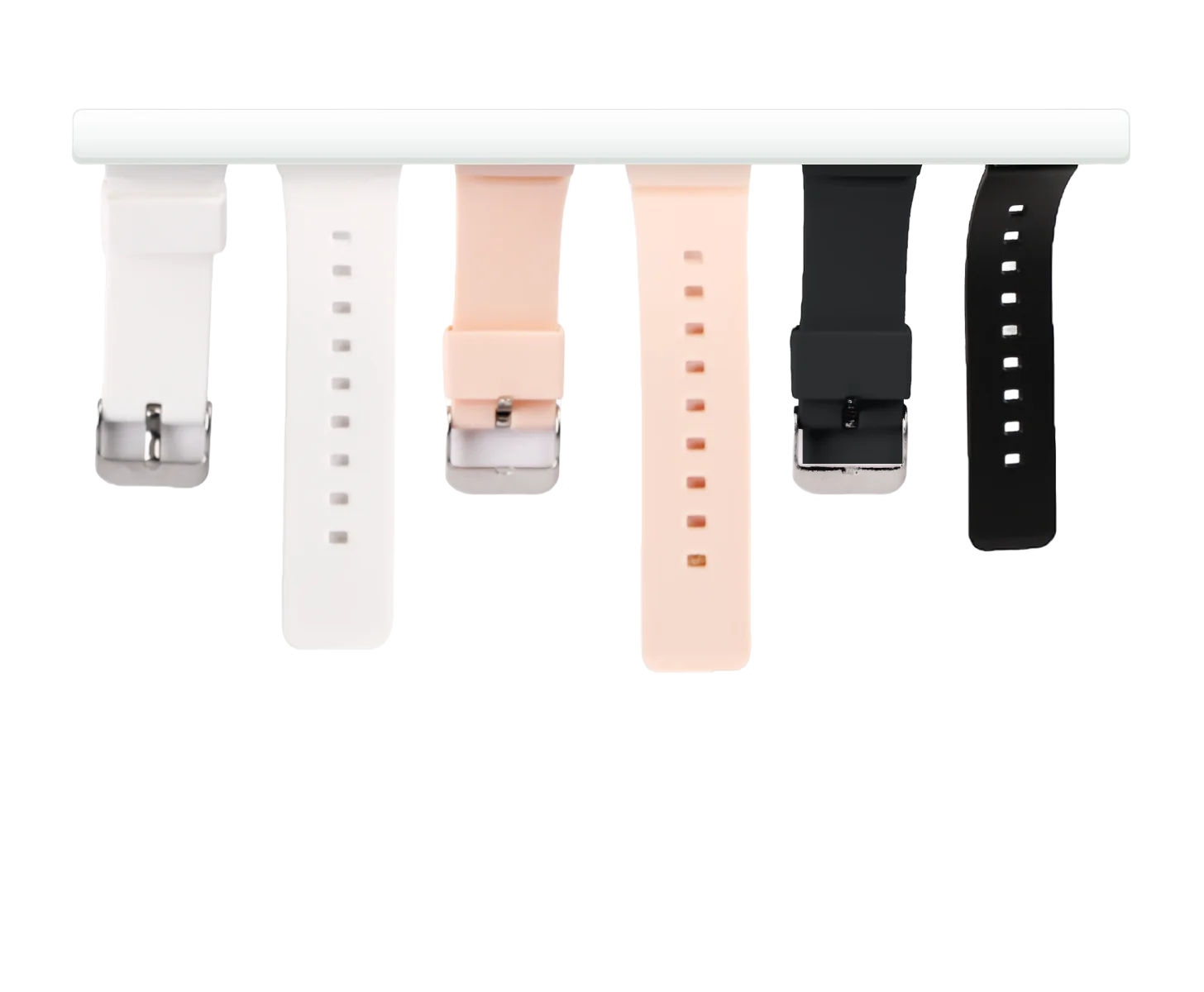
The TWM Smart Tag Analog Watch is a quartz watch with a Bluetooth finder sealed behind its metal back. It joins the finder network already on your phone, so there is no new app, no SIM and no charger. If it is left at school, in a bag or under the sofa, ring it, or see where it was last seen.

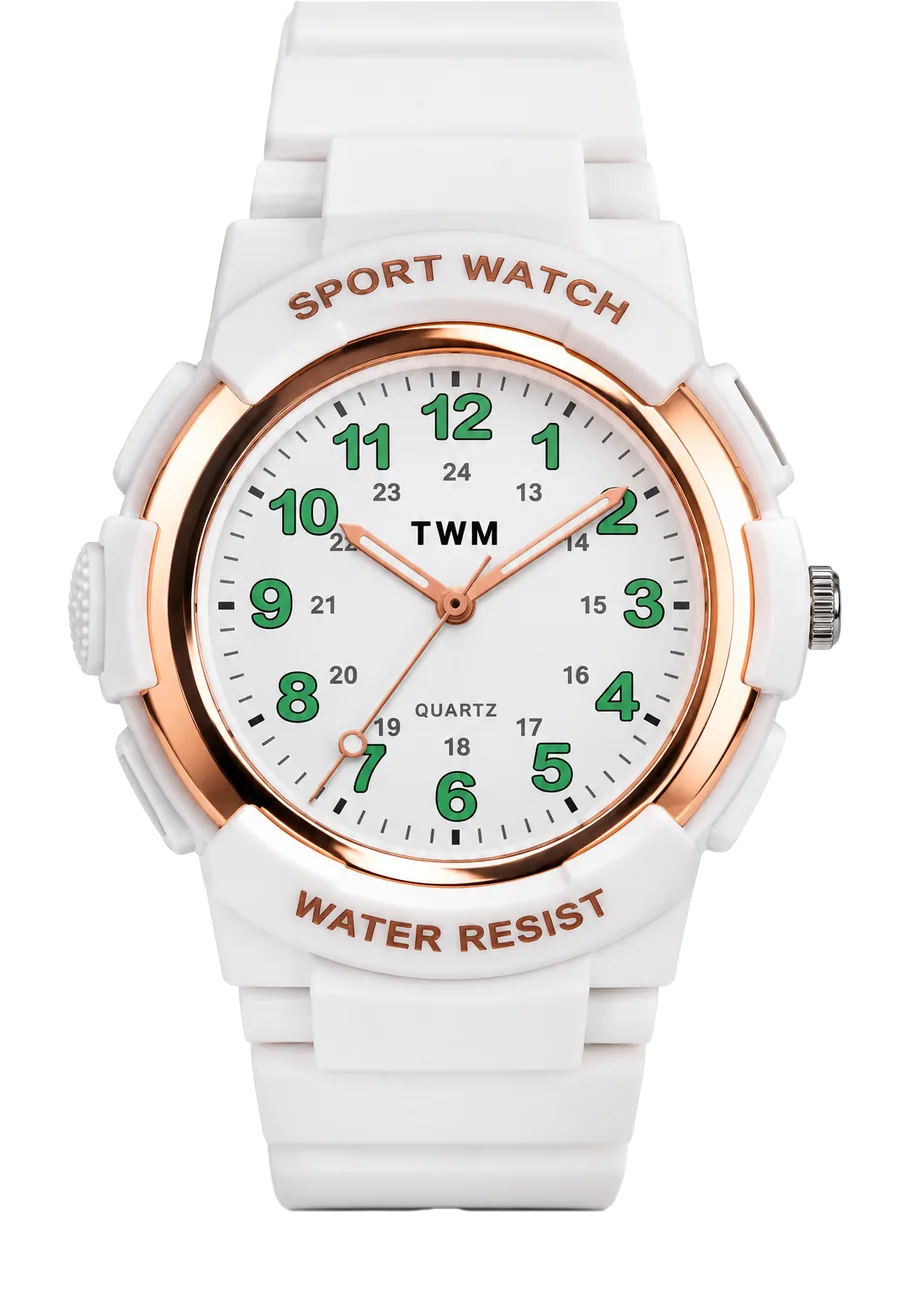
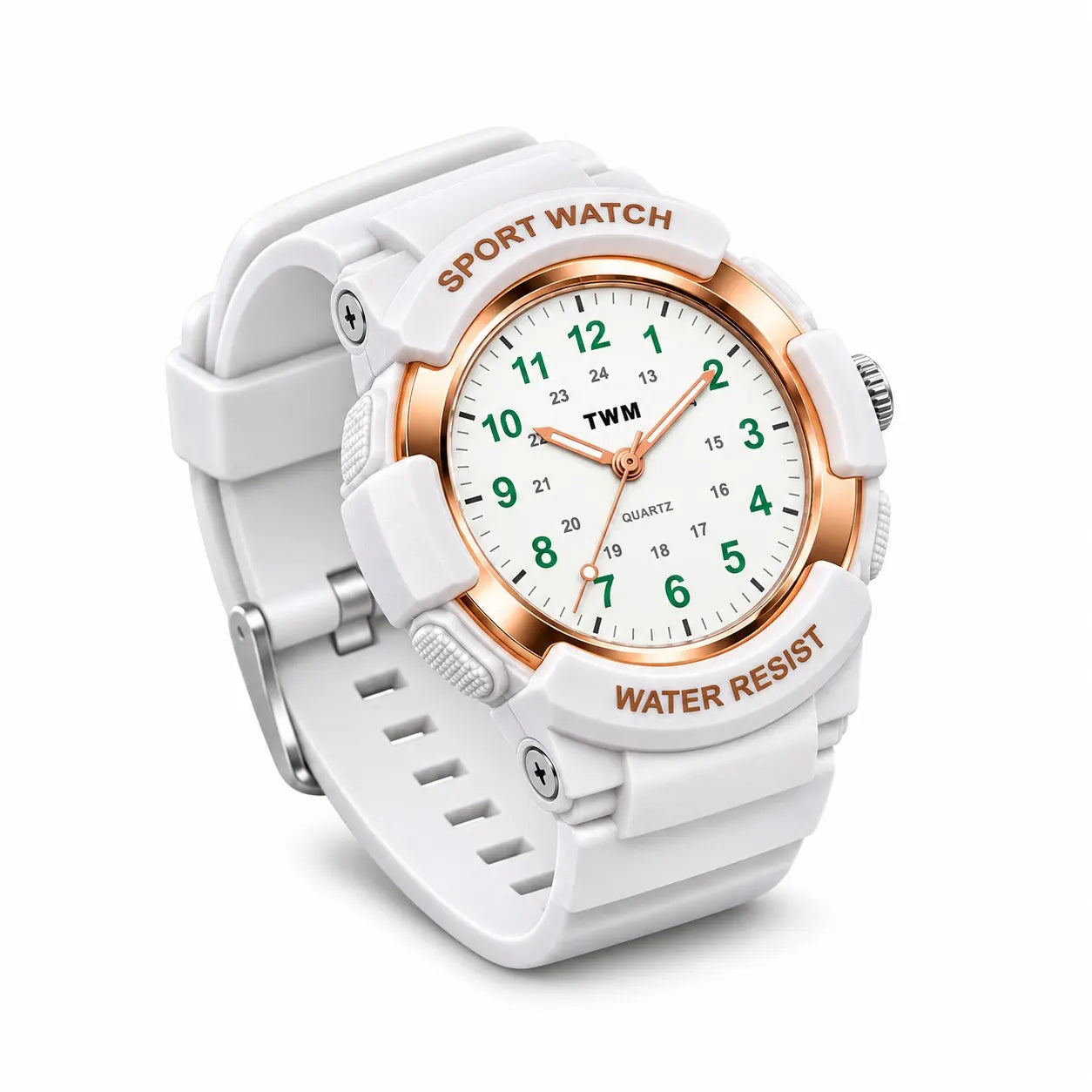
A sport case on a soft strap, with a dial that carries an inner ring for the 24-hour clock.
White
White case and strap, a rose-gold bezel and green numerals.
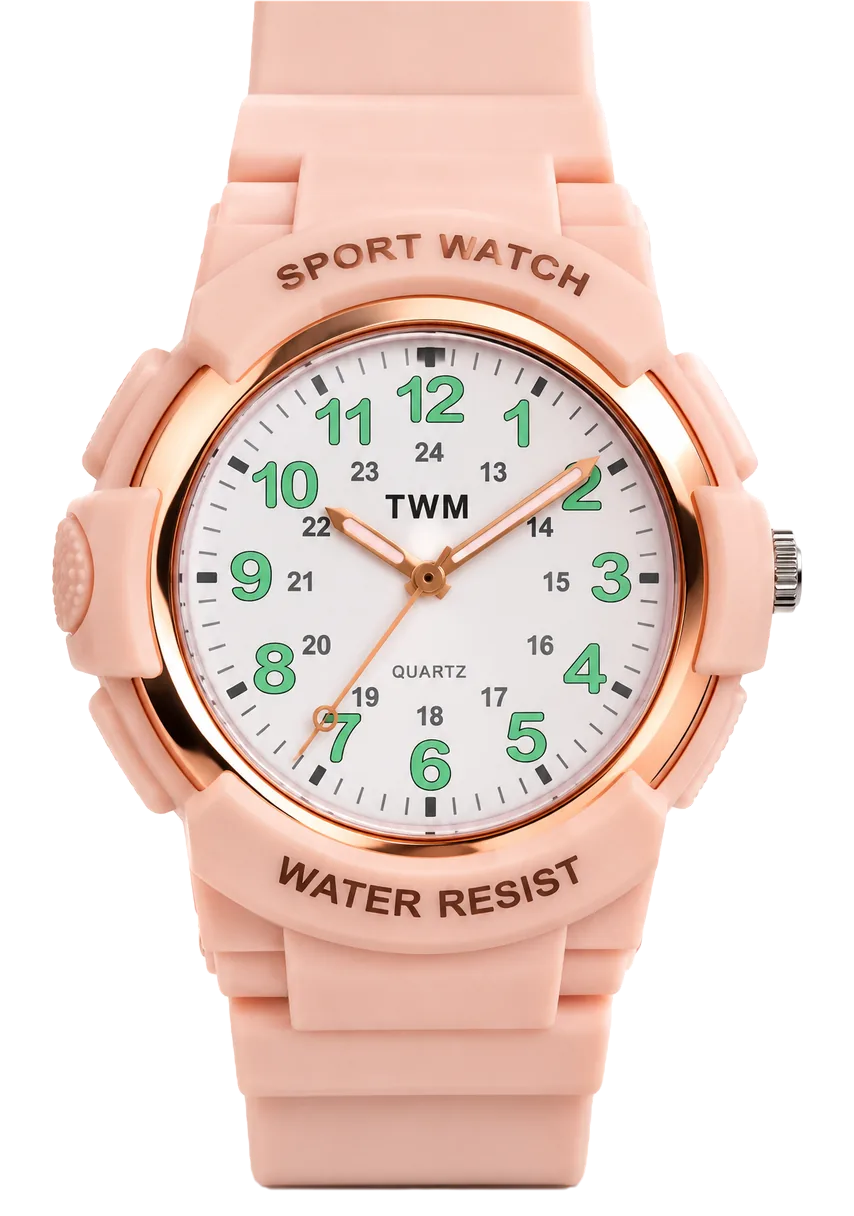
Pink
Soft pink case and strap, a rose-gold bezel and green numerals.
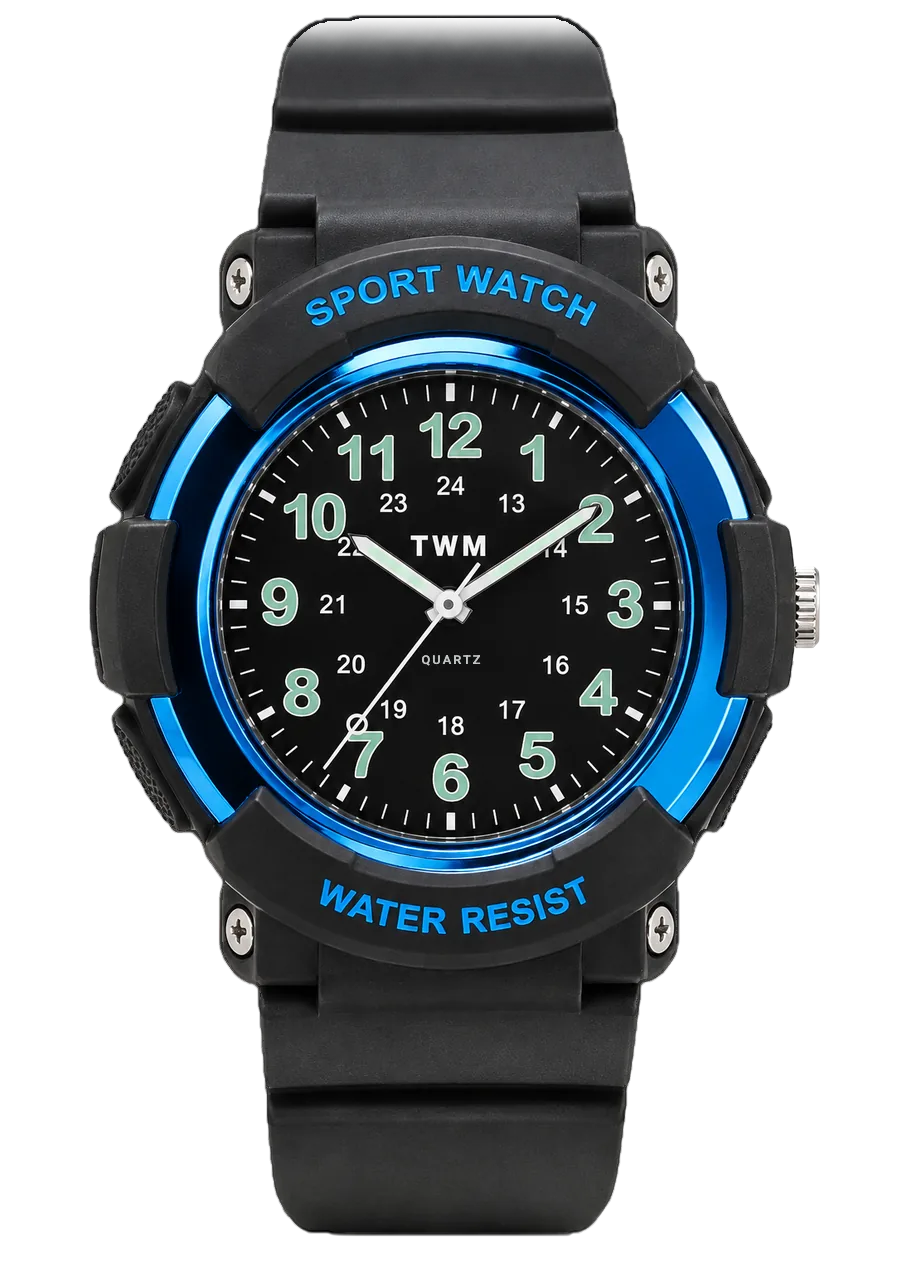
Black & Blue
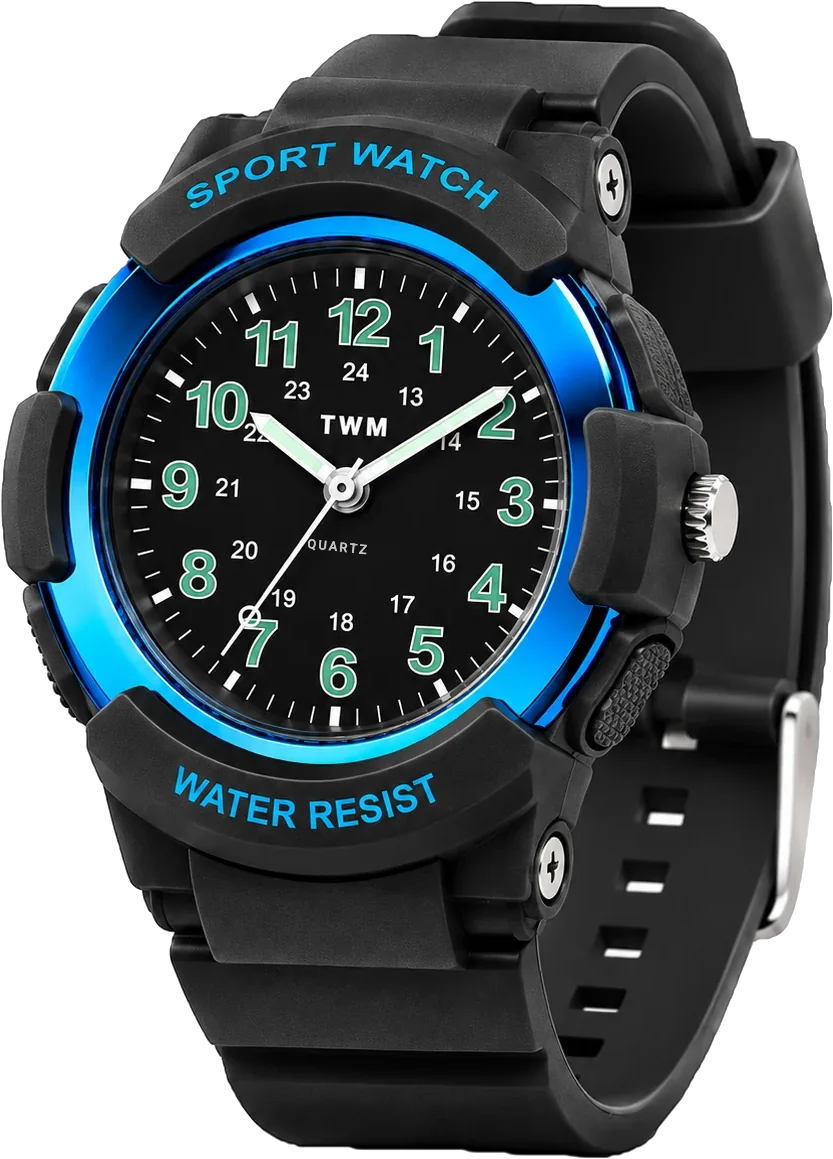
Black case and strap, a mirror-blue bezel and a black dial.
A chunky sport case on a rubber strap with a pin buckle. The finder and its coin cell sit behind the metal back, and one side button switches it on and off and stops it ringing.
The finder sips power from a single CR2032 coin cell. A second cell keeps the hands moving, so a flat finder never stops the watch telling time.
One CR2032 keeps the finder ready for 10 to 12 months. Ring it often and the cell runs down sooner.
A CR2032 runs the finder. An SR626SW runs the hands. If one runs down, the other carries on.
No charging cable, no SIM card and no monthly plan. When a cell runs out, replace it.
The finder inside joins Apple Find My or Google Find Hub. When a phone on the network passes near the watch, it reports where the watch was last seen, so you can open the map and go to it. Close by, ring it and follow the sound.

An IP68 seal keeps dust and water out, and a tough rubber case with a raised bezel guards the dial through the knocks of a school day. Wear it in the rain, wash your hands with it on, and stop worrying about it.


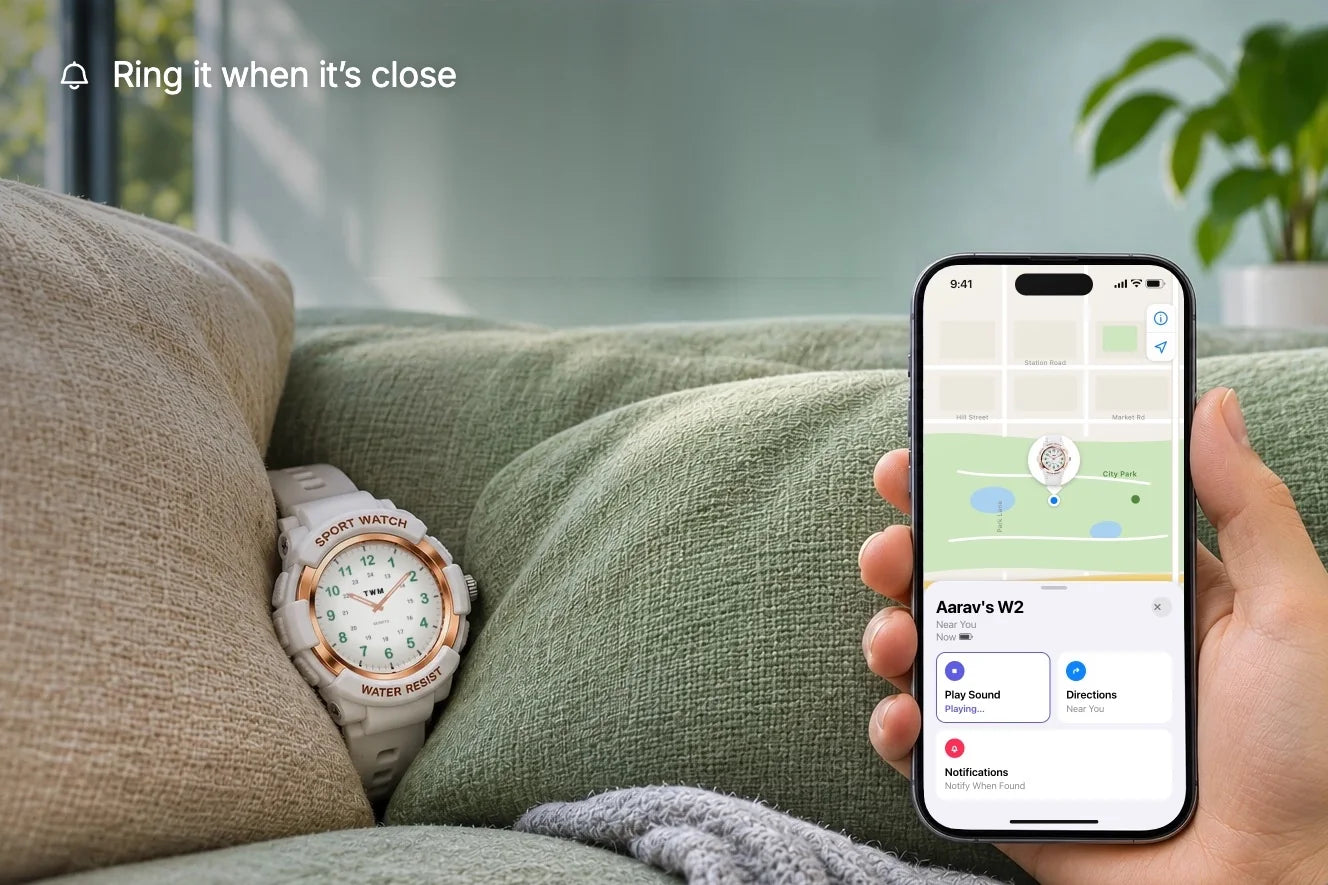
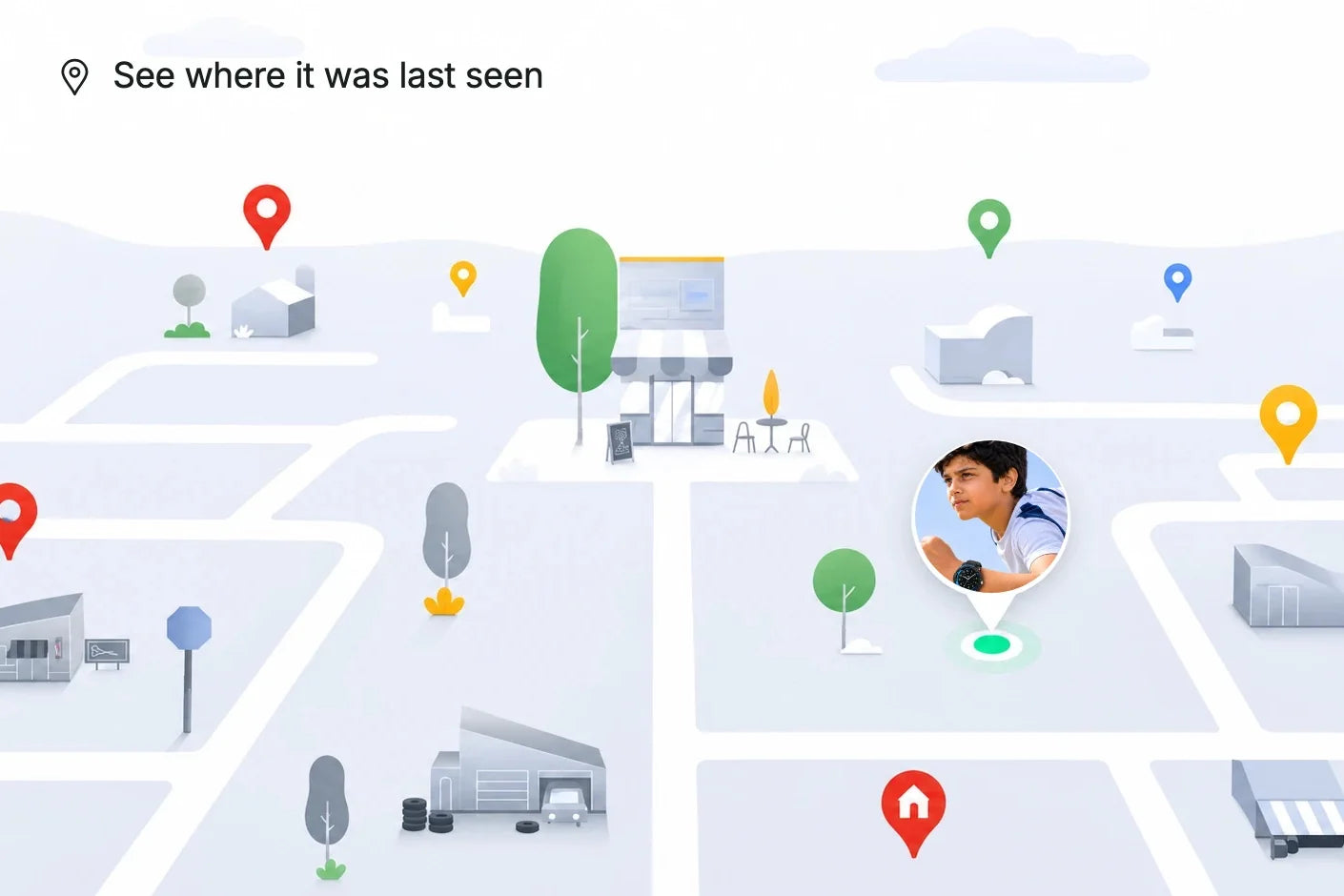
Launching on 14 December 2026
A watch that can be found. An analog quartz watch with a Bluetooth finder inside. Add it to Apple Find My or Google Find Hub, ring it from your phone and see where it was last seen.
Colour White
Needs iOS 14.5 or later on iPhone 8 or newer, or an iPad. If pairing fails, check that Find My can reach Apple's servers on your network.
Needs Android 9 or later with Google Play services. If the card does not appear, wait 5 minutes or restart the phone rather than tapping Close.
Expected delivery by 20 December 2026
No app to download, no SIM and no charging. The watch pairs straight into the finder app already on your phone.
| Feature | TWM Smart Tag Analog Watch | TWM 4G ID Card GPS Tracker |
|---|---|---|
| How it finds | Bluetooth, through the Apple and Google finder networks | 4G and GPS, live location every 10 seconds |
| App | Apple Find My or Google Find Hub | TWM app |
| SOS and calling | Not included | SOS button with two-way calling |
| Safe-zone alerts | Not included | Geofence alerts |
| SIM and plan | Not needed | 4G SIM plan |
| Power | Coin cell, 10–12 months | Rechargeable |
| Best for | Someone who loses things, and a watch you can ring | Knowing where a child is right now |
No. It is a Bluetooth finder. Within about 40 m you can ring it from your phone. Further away, phones on the Apple or Google finder network that pass by report where it was last seen. For live location every 10 seconds, SOS and calling, choose the TWM 4G ID Card GPS Tracker.
No. It works with one account at a time. To move it from Apple Find My to Google Find Hub, or back, remove it in the app, factory reset it, then add it on the other phone.
iPhone 8 or newer and iPad on iOS 14.5 or later, through Apple Find My. Android phones on Android 9 or later with Google Play services, through Google Find Hub.
No. The finder runs on a CR2032 coin cell for 10 to 12 months, and the watch movement has its own SR626SW cell. Both can be replaced.
The TWM Smart Tag Analog Watch is rated 3 ATM: rain, splashes and hand-washing are fine. Take it off before swimming, bathing or showering.
About 60 to 70 dB. It rings for about a minute. Hold the button for 2 seconds to stop it.
To switch it off, hold the button for about 7 seconds. To reset it, keep holding through the short beeps until you hear one long beep, about 10 seconds in all, then let go. It restarts in pairing mode.
No. The TWM Smart Tag Analog Watch works in Apple Find My or Google Find Hub, which are already on your phone, so there is nothing extra to install and no subscription.
Your cart is empty
Looks like you haven’t added anything yet. Explore our top categories.
Start shoppingCheck your Wi-Fi or mobile data, then try again. Nothing you've added to your cart is lost.